

TOADS CRM: managing hundreds of locations, operated from Claude
We built TOADS a bespoke CRM for almost 700 garage locations, and connected it to Claude through a custom MCP server. So you run the whole CRM in plain language: from creating a member to connecting data sources and pulling a report per location.
The challenge: hundreds of locations, five brands, scattered data
TOADS runs local marketing for garage networks: Google Ads, Google Business Profiles, banners and dashboards. That is hundreds of locations, spread across five brands (Bosch Car Service, AutoFirst, AutoCrew, QualityGarage and QualityCarrosserie) and two countries. Each location has its own campaigns, its own business profile, its own analytics and its own reporting.
Keeping all those members and data sources in spreadsheets broke down. Adding new members, connecting sources, checking who still lacked GA4 or a business profile, and pulling a report per location: it was a lot of manual work and error-prone.
Hundreds of locations across five brands and two countries, each with its own campaigns and data.
Tracking members and data sources in loose sheets: lots of manual work and easy to miss something.
One source of truth, and a way to work with it fast without clicking through screens.
The solution: a bespoke CRM, operable from Claude
We built a CRM that fits exactly how TOADS works, and put a custom MCP server on top of it. So you do CRM work in plain language and can automate recurring tasks.
A bespoke CRM tailored to TOADS
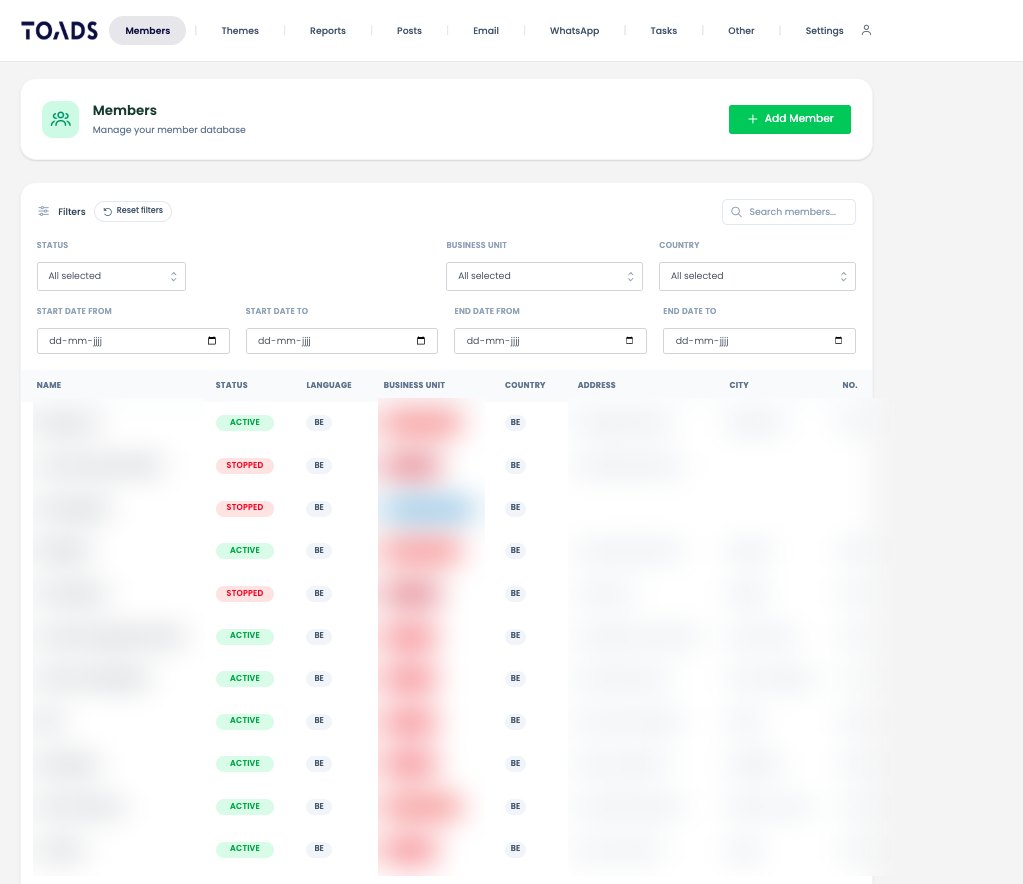
Members per brand and country, with status, address, contacts and the link to their campaigns, business profile and analytics. One overview instead of loose sheets.
All data sources linked to the location
Per location you connect seven kinds of source: Promoted Pins, monthly and quarterly displays, Search campaigns, pages, Analytics properties and Google Business Profiles. So you know exactly what is running for each member.
A custom MCP server
We built an MCP server on top of the CRM. That lets Claude both read and edit the CRM: count and filter members, create new members, update address and contacts, connect or disconnect sources, look up themes and pull a report URL per location.
Reporting and automation
You pull a report per location with a single question. Recurring tasks, like spotting new members or checking who is still missing a data source, now run automatically.
A look inside the CRM
Client and personal data in these examples has been obscured.
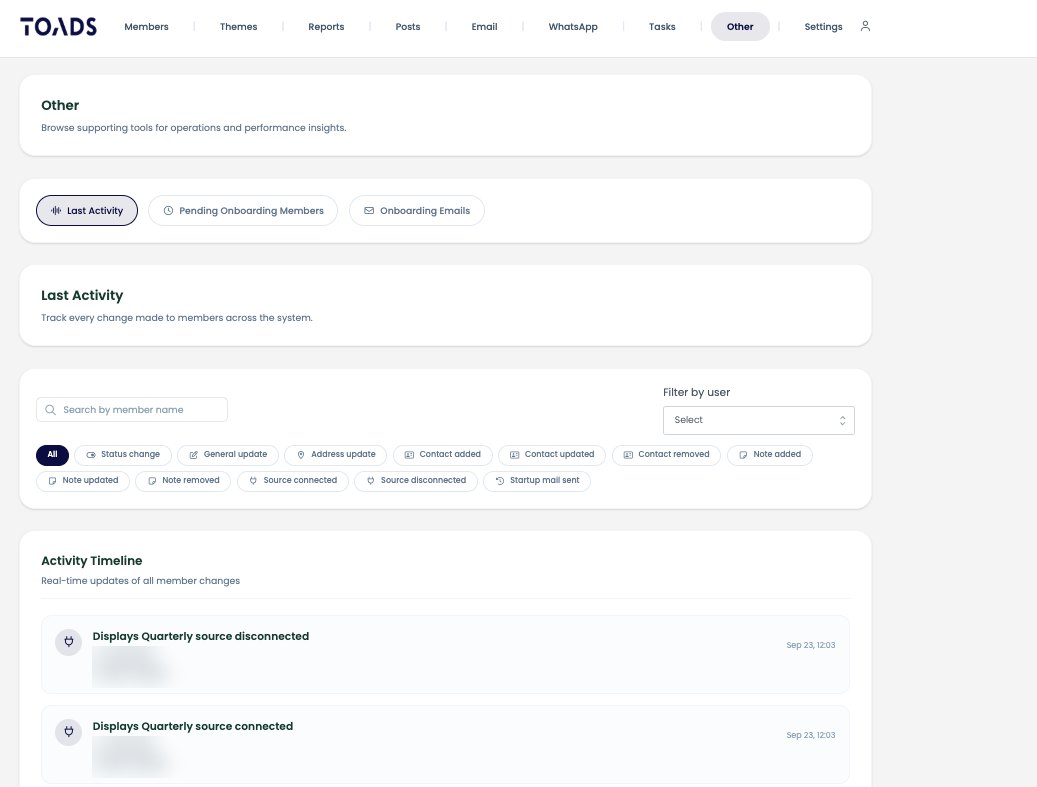
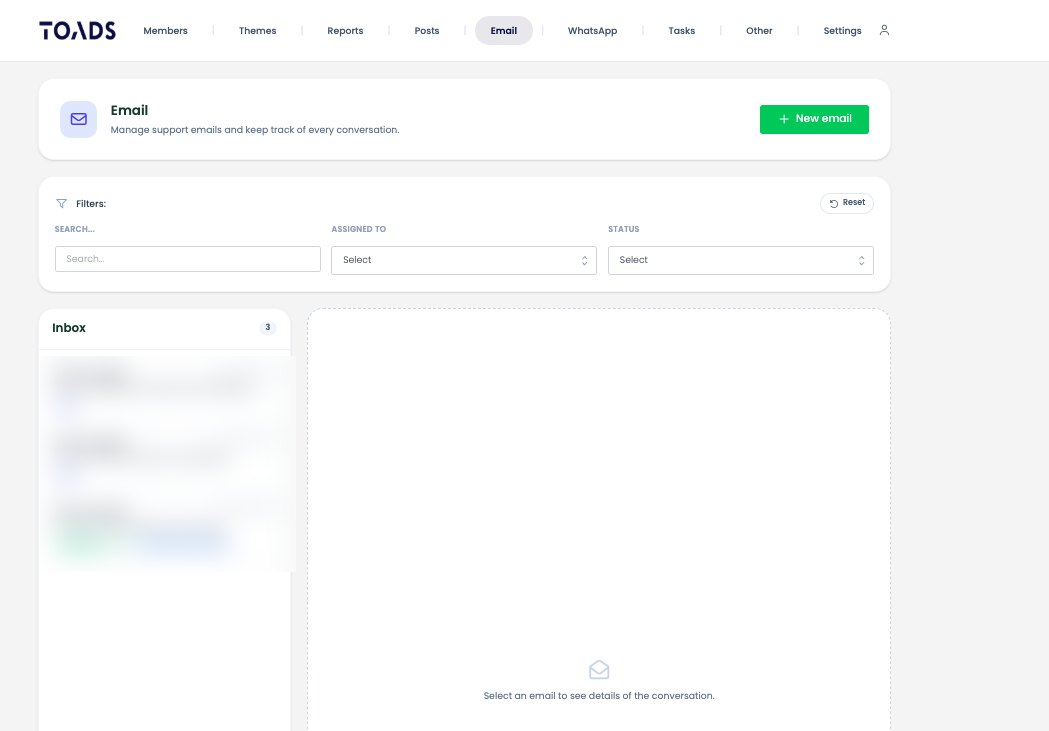
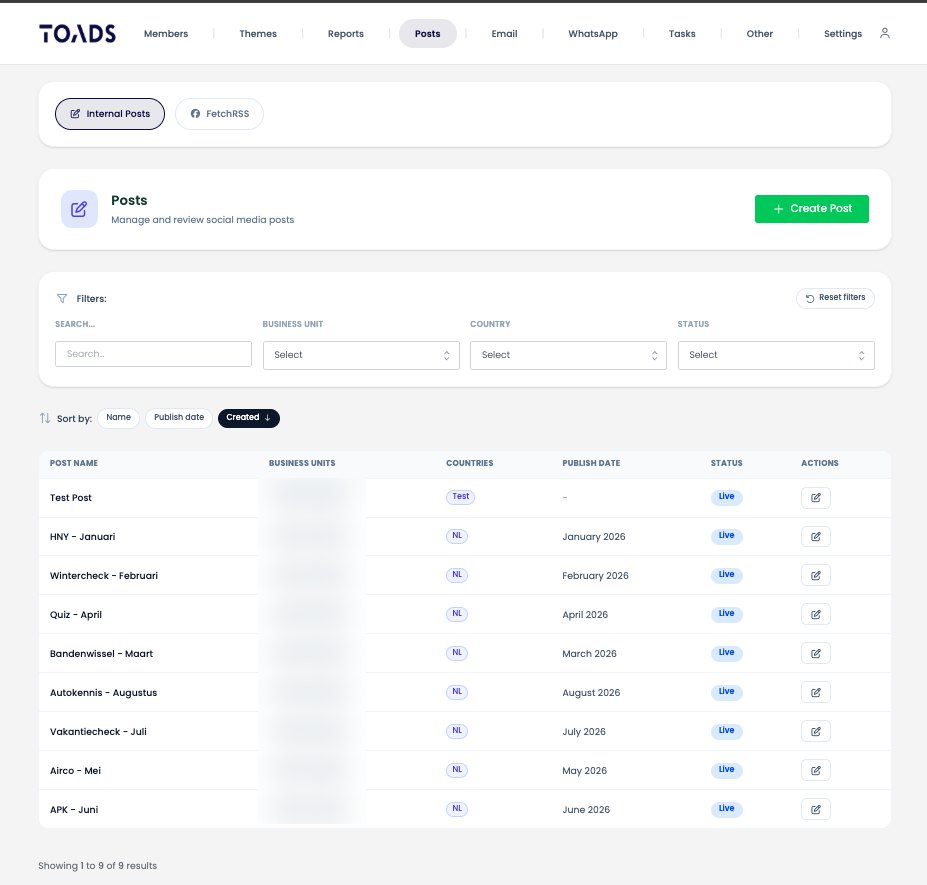
The whole network now sits in one CRM: almost 700 locations, of which over 550 active, across five brands and two countries. New members, source connections and reporting run through one system instead of loose spreadsheets.
Because the CRM is connected to Claude, TOADS does the daily work in plain language: 'how many active AutoFirst locations in Belgium?', 'connect this business profile to that location', 'give me the report for this garage'. What used to be clicking is now a question. And recurring checks run by themselves.
A CRM does not have to be a place you only click through. By connecting it to Claude via an MCP, your own system becomes something you simply talk to, and where routine work does itself.
“Our whole network sits in one CRM and we operate it straight from Claude. Adding a member or pulling a report is now a sentence, not a click path. That saves us hours every week.”