
Empathree CRM: from lead to invoice in one system, operated from Claude
We built our own agency CRM: from sales pipeline and proposals to projects, hours, revenue and a smart inbox. Everything in one system, and fully operable from Claude through a custom MCP server.
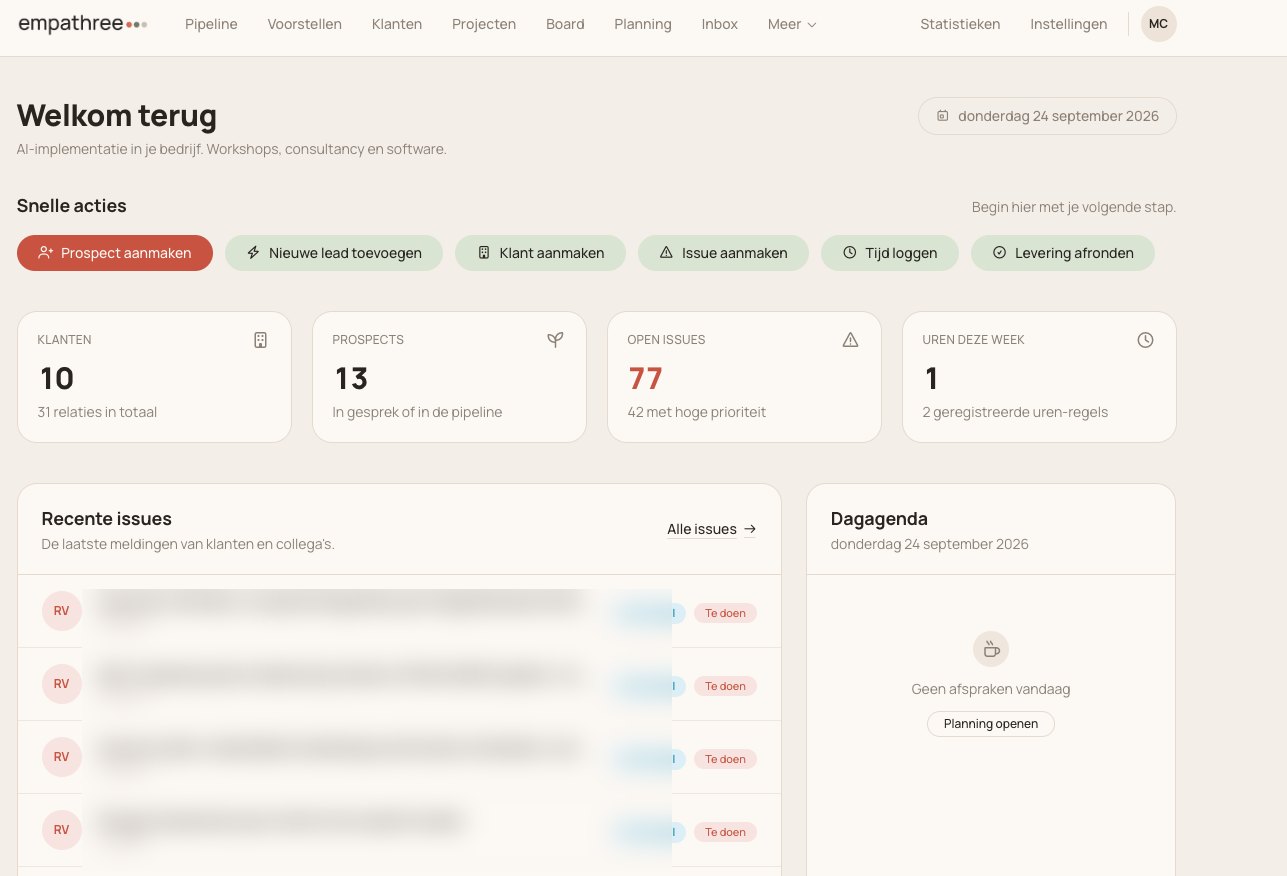
The challenge: running an agency on a stack of loose tools
An agency quickly juggles a CRM, a project tool, time tracking, invoicing and a separate place for proposals. Everything is separate, numbers have to be retyped, and nobody has a single overview from client to invoice.
We wanted the exact opposite: one system that fits how we work, that plugs into how we already work with AI, and where emails and meeting notes land in the right place by themselves instead of via copy-paste.
Separate tools for CRM, projects, hours, revenue and proposals. Retyping, and nothing connects.
No overview from lead to invoice, and manual work that slips or goes wrong.
One system, one source of truth, that you simply operate from Claude.
The solution: our own CRM, operable from Claude
We built a complete agency CRM and put a custom MCP server on top of it. So everything from first contact to invoicing runs in one system that you operate in plain language.
One CRM from lead to invoice
Clients, a sales pipeline with deals, proposals and briefings. From first contact to signed proposal in one line, instead of loose tools.
Projects that actually run
Projects with sprints, issues, labels and a backlog, plus planning with appointments and meetings. Logged hours and revenue lines are attached directly.
A smart inbox
Incoming emails and meeting transcripts are processed automatically and linked to the right client and project. No more copy-paste.
Operable from Claude via a custom MCP
Claude both reads and writes in the CRM: move deals, create and publish proposals, plan issues, log hours, summarise revenue and link inbox items.
A look inside the CRM
Client, personal and revenue data in these examples has been obscured.
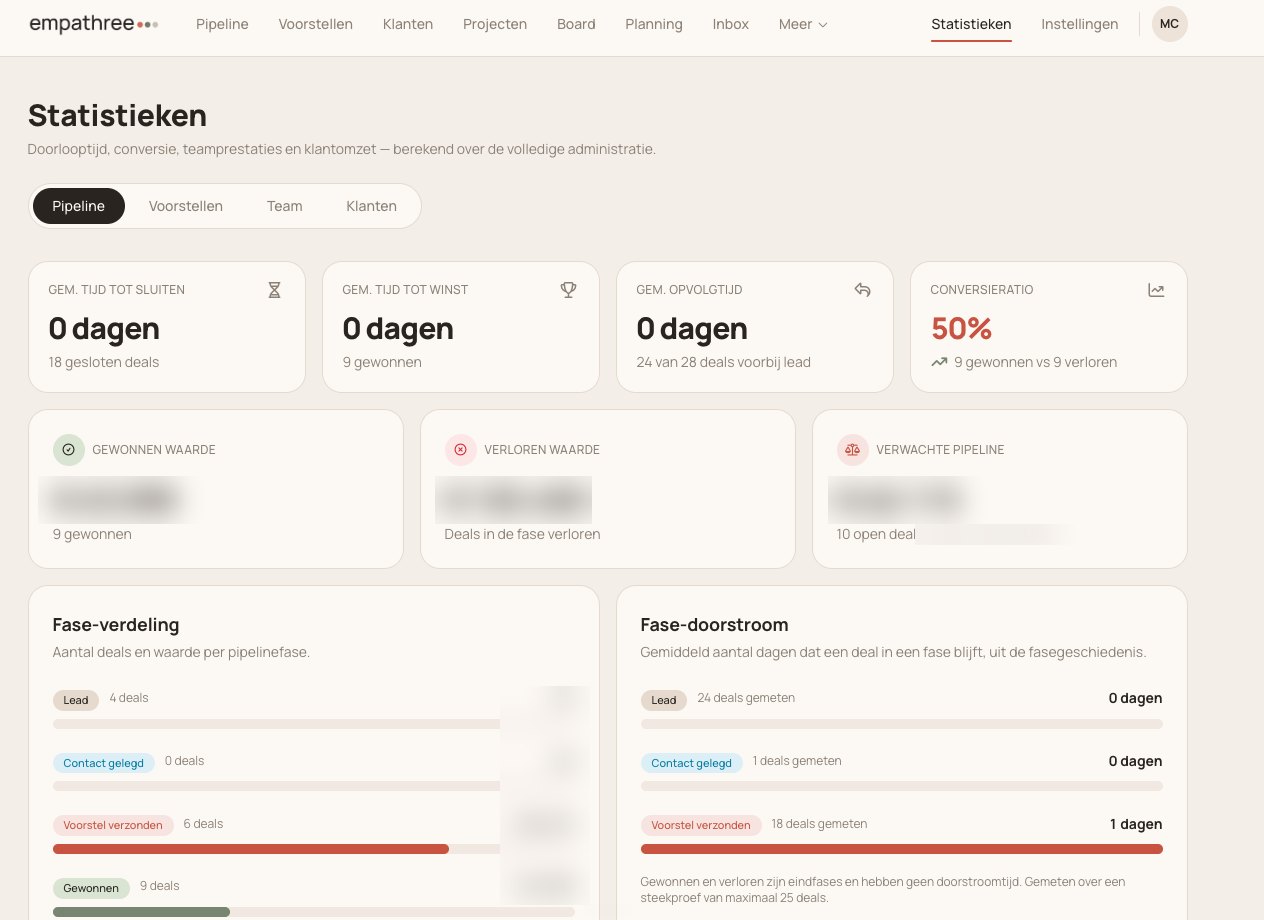
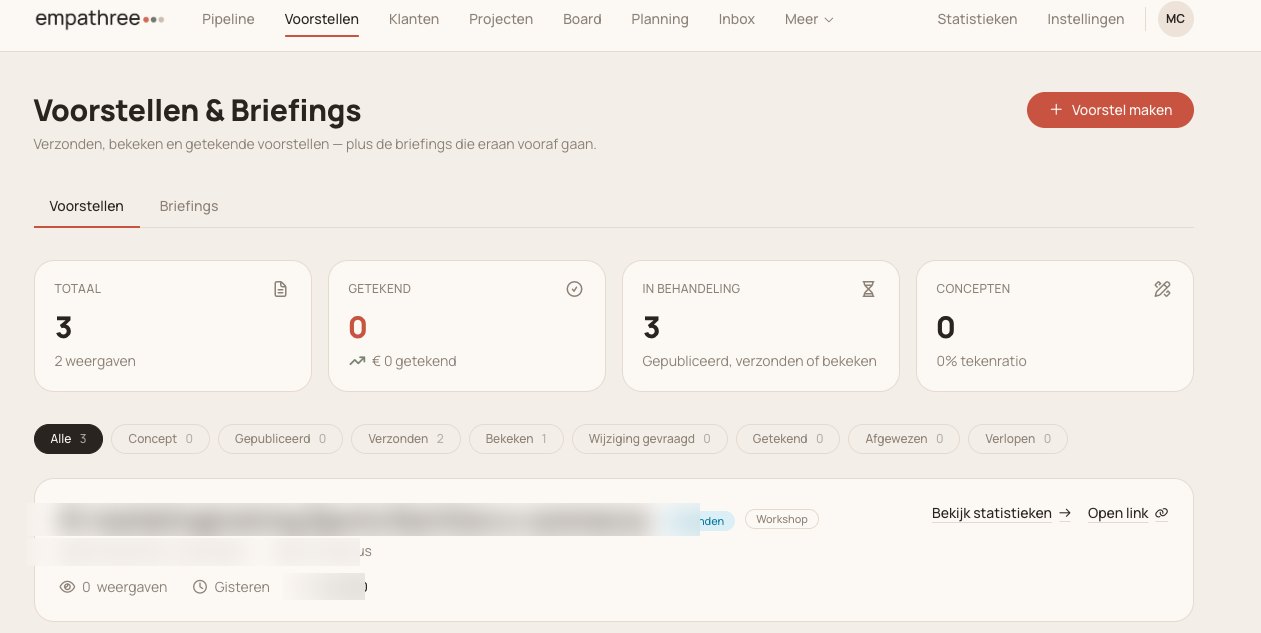
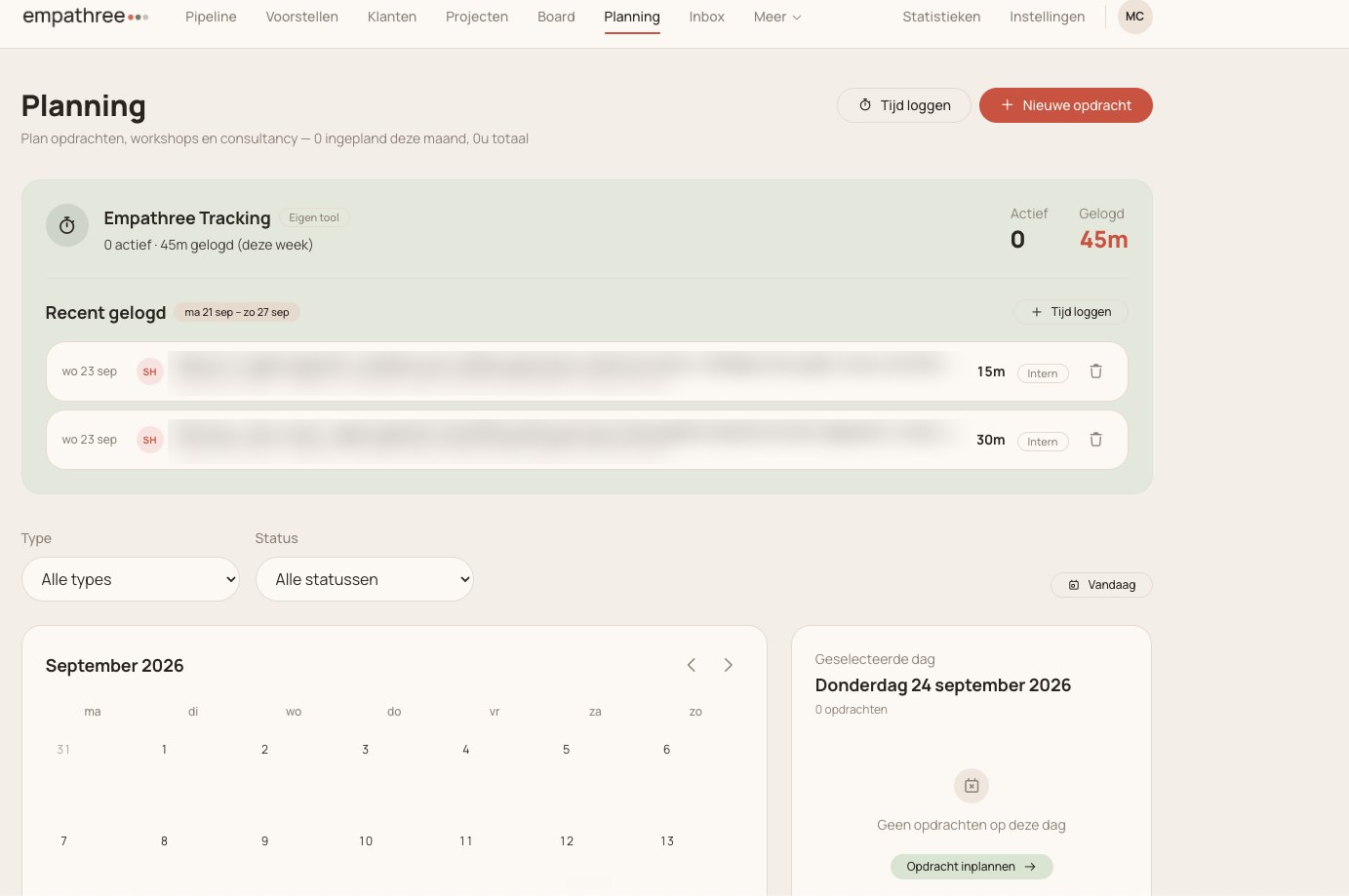
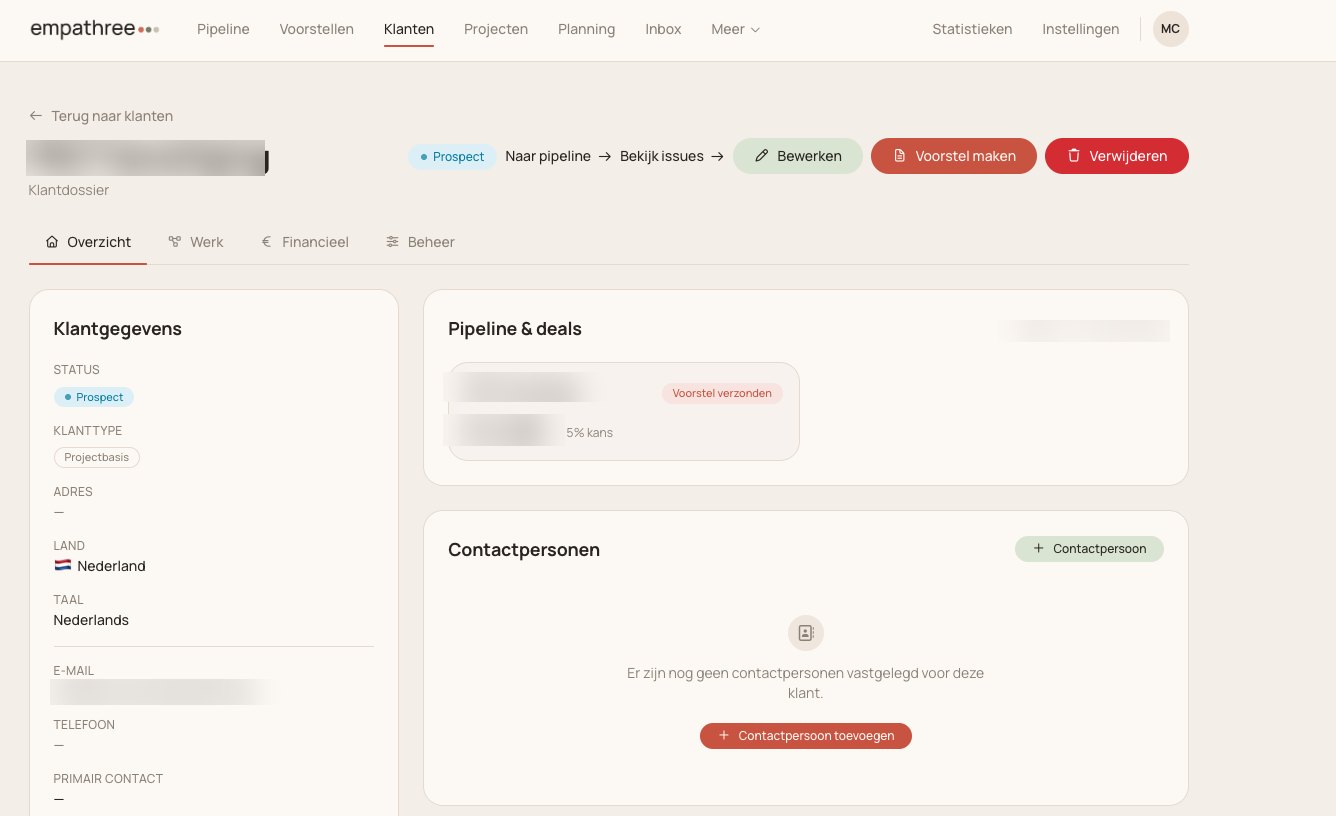

Empathree runs on one own system: sales, projects, planning, hours, revenue and inbox together, instead of a collection of loose tools you maintain by hand.
Because the CRM is connected to Claude, you do the work in plain language: 'mark this deal as won', 'create a proposal for this client', 'log two hours on this project', 'summarise this month's revenue'. And emails and meetings land in the right place automatically.
When you build your own CRM and connect it to Claude, the difference between 'working in a system' and 'having the system do something' disappears. You simply talk to your business.
“Our whole agency runs on one CRM that we operate from Claude. From creating a proposal to logging hours and summarising revenue: it is a sentence, not a tool switch. And every meeting and email lands in the right place by itself.”